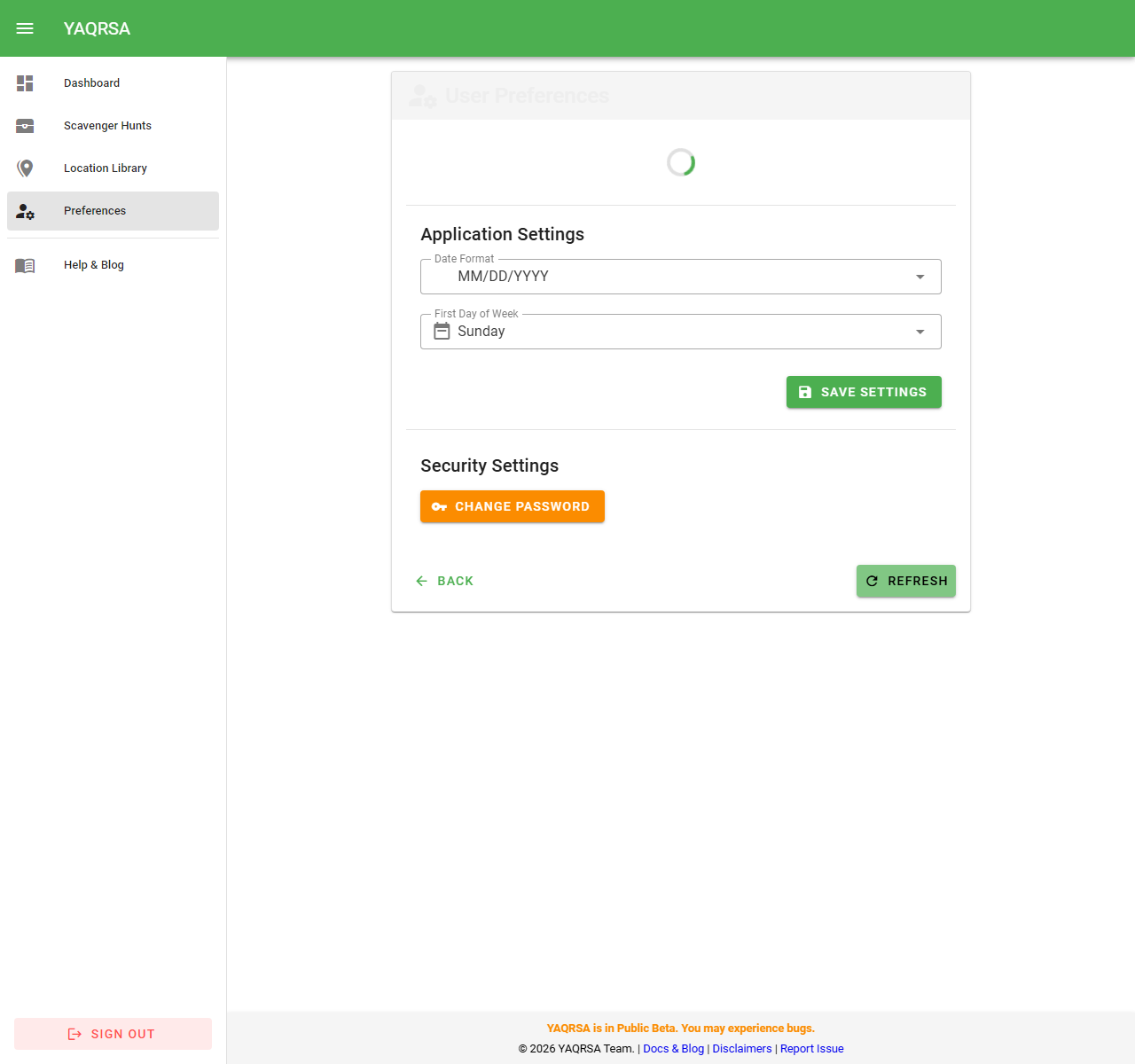
User Preferences
YAQRSA allows you to customize your experience through the User Preferences page.
Date Formatting
By default, dates are displayed in MM/DD/YYYY format locally on the frontend. You can change this to:
MM/DD/YYYY(US Default)DD/MM/YYYY(International)YYYY-MM-DD(ISO)
This setting affects how dates are displayed in lists, reports, and details.
First Day of Week
This setting controls how "Weekly" reports are calculated.
- Sunday (Default): "This Week" means Sunday to Saturday.
- Monday: "This Week" means Monday to Sunday.
How to Change Settings
- Click your Profile Icon in the navigation menu.
- Select User Preferences from the menu.
- Make your selections and click Save Settings.